-
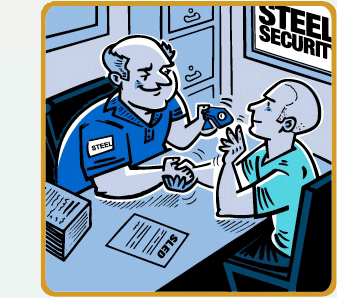
Tom successfully completes all of Steel Security’s hiring requirements and is issued his “personal identifier.” -
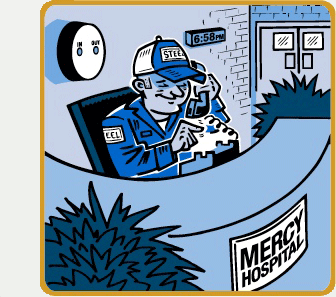
Mercy Hospital does not have continuous guard coverage. The first shift begins at 7:00 PM. As a result, Steel Security chose the “Phone-In” option for the first shift. If the guard does not arrive on schedule, Steel Security’s managers are immediately alerted by email and text messages. Here Tom phones in for the first shift. -
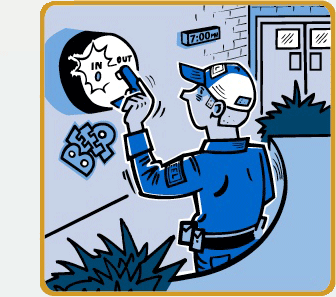
To capture routine Time and Attendance data, Steel Security uses a simple, but rugged time clock compatible with the guards’ personal identifiers. Here Tom uses his “personal identifier” to sign in. -
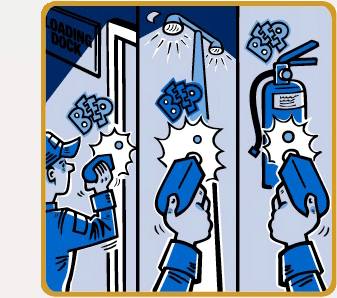
Tom makes his scheduled location checks using an on-site “reader.” -
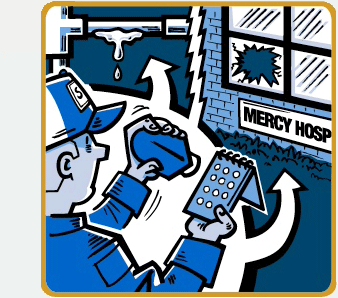
Tom is always alert for other reportable events. When spotted, he records them using the “reader” and the “message pad” prepared specifically for Mercy Hospital. Here Tom reports a water leak and a broken window.” -
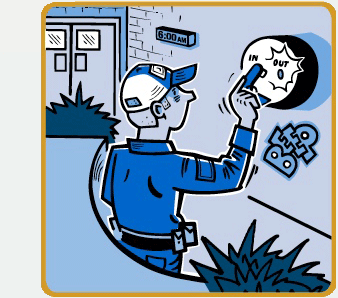
Tom completes his shift and uses his “personal identifier” to sign out using the same “time clock.” -
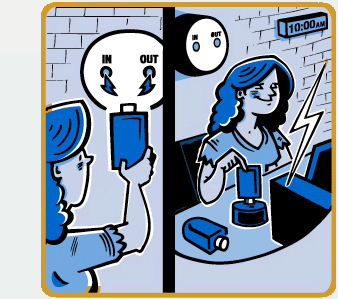
Periodically an administrator will download the “time clock” and the “readers.” Immediately after that she will upload the collected data using the internet. This step is quick and easy. -
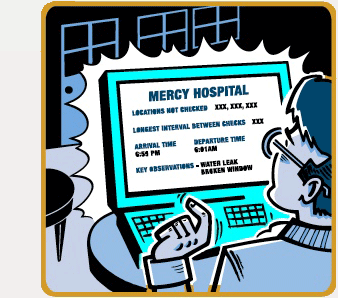
Mercy’s Security Director reviews a management report showing the performance of all their security guards. He can do this on any computer, anywhere. -
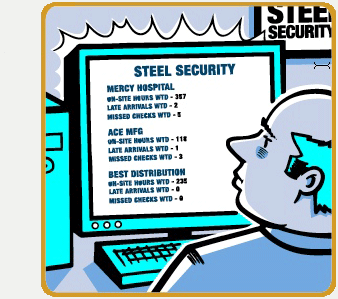
Steel Security’s local Operations Manager reviews a summary level management report showing the performance of all his guards working for all of his clients, week-to-date (WTD). This is a summary report, but he can drill down as deeply as necessary.
The Security Director’s Solution for improving Guard Tour performance
Exception reporting that focuses on comparing security guard performance to established standards.